
Kuali Connector securely connects AI tools like Claude, Codex, Gemini, and GitHub Copilot to your Kuali environment—giving AI the context and tools to find information, analyze operations, build applications, and complete work.
I found 7 proposals sitting at the Dean's review step past your 10-day threshold. The oldest — BIO 4120 Ecology revision — has been there 23 days. Want me to list the approvers for each, or draft a nudge email?
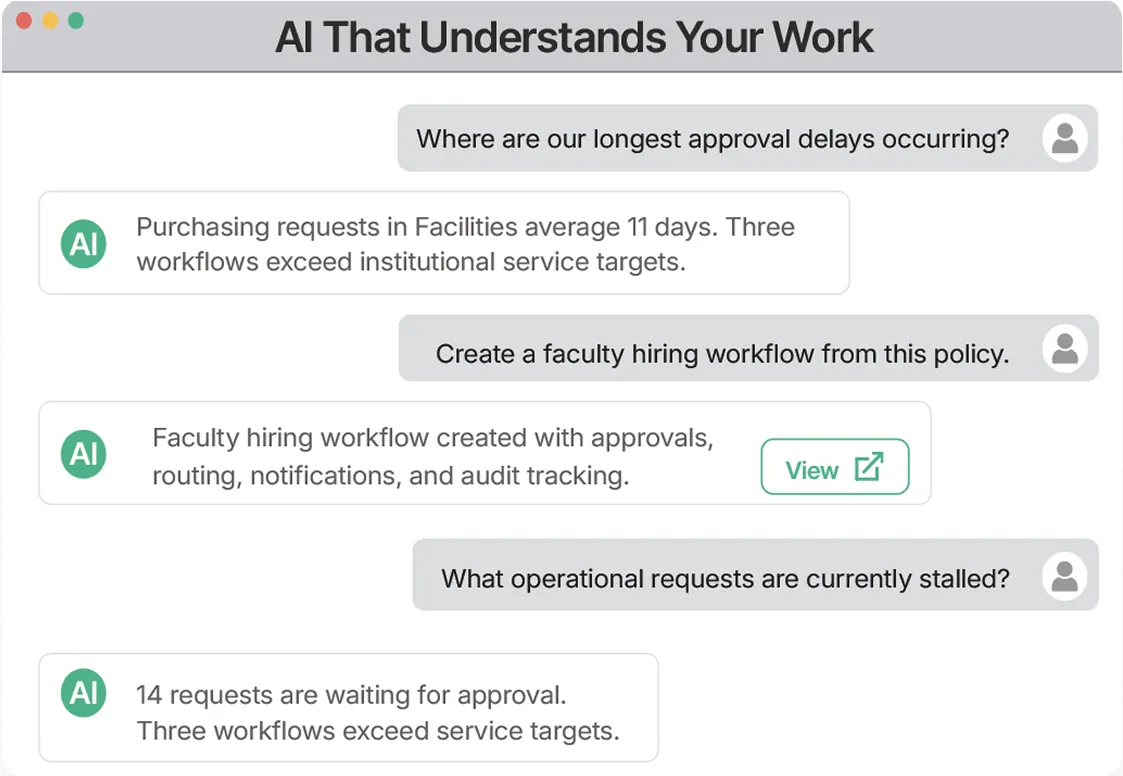
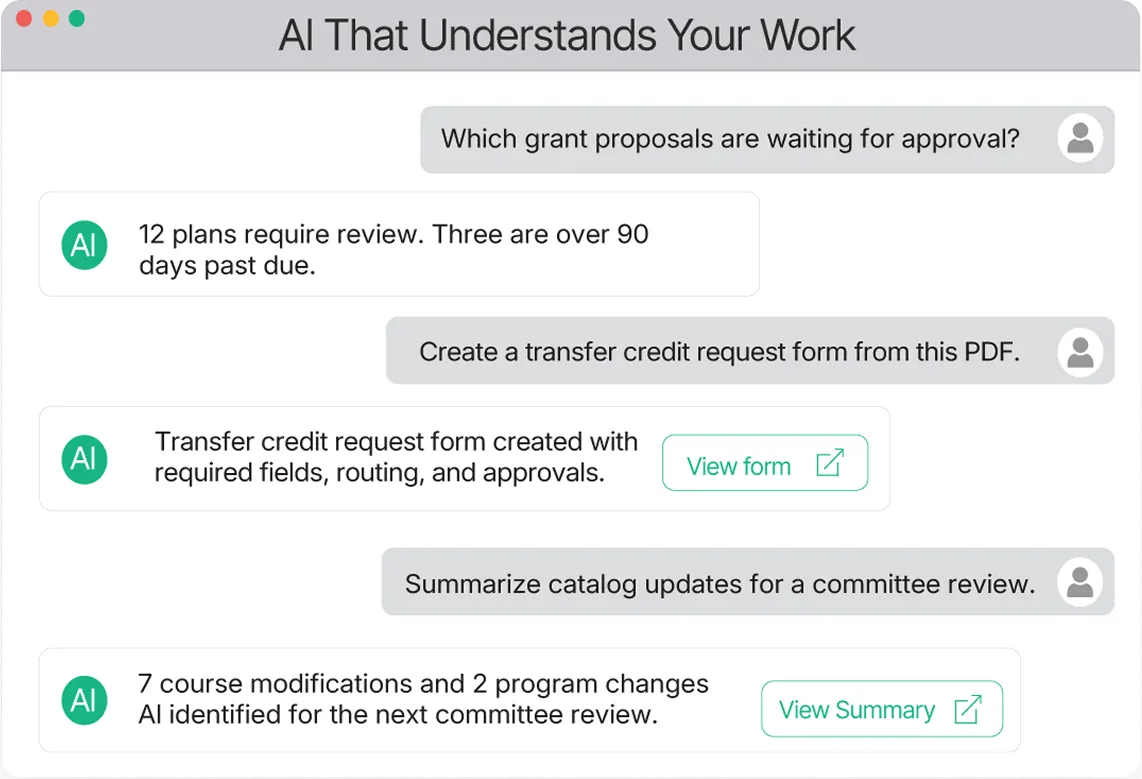
Kuali Connector turns natural-language requests into real work across Kuali. Use it across Research, Curriculum Management, Build, and more to find information, analyze workflows, build an app, import data, or run a report.
Turn documents and ideas into working Kuali apps and workflows.
Ask about documents, approvals, and workflow status across Kuali - get answers fast.
Put large datasets to work without tedious manual entry or processing.
Turn Kuali data into useful reports, insights, and visualizations.

Ask in plain English — Connector translates requests into real Kuali operations.

Claude Desktop, Claude Code, Codex CLI, Gemini CLI, Copilot CLI, and VS Code.

Runs on your machine with your key. Nothing routes through a Kuali-operated proxy.
Connector gives your AI tools access to capabilities across the Kuali platform, so you can move between tasks without switching tools or starting from scratch.
Ask in plain language. Connector handles the rest, using the access you already have.
Tell your connected AI tool what you want to accomplish in natural language.
Kuali Connector gives your AI tool the right capabilities and permissions to interact with Kuali on your behalf.
Connector makes the appropriate calls to your Kuali environment using your existing access and permissions.
Answers, analysis, completed work, and next steps come back directly into your conversation.
Everything you need to install the Connector, connect your AI tool, and get productive, organized by what you’re trying to do.
Install the Connector, connect your Kuali instance, and connect your first AI tool in five minutes.
Quick start →Copy-paste prompts for building apps, Curriculum Management, Sponsored Programs, CSV imports, workflow analysis, and chart reports.
Prompts →Install via Homebrew, a one-line installer, or a direct binary download. macOS, Windows, and Linux supported.
Install →Set up Claude Desktop, Claude Code, Codex, Gemini, Copilot, or VS Code. Pick read-only mode if you only want it to look.
Guides →The complete kuali CLI. Every resource, subcommand, and flag, with examples for both humans and scripts.
Reference →Every MCP tool your AI can call: 91 resource tools, the kuali_run catch-all, and 3 connection tools (95 total), grouped by resource.
MCP tools →Connector doesn't expand what you can see or do in Kuali. Every request runs securely using the permissions associated with your Kuali API key.

If you can't access something in Kuali, Connector can't access it either. It has the same permissions as the user.

Credentials are securely stored in your operating system's credential manager and aren't shared with your AI provider.

Enable read-only mode for searching and analysis, without tools that create, update, submit, approve, delete, or import.

Connector uses the same Kuali APIs, so activity stays tied to the user and captured in the audit log.

Connector runs on your computer, creating a direct connection between your AI tool and Kuali.

Connector uses your existing Kuali permissions. It doesn't create a new level of access.

Kuali Connector is included with the Kuali Platform. Get started today.

TLS from your machine to your Kuali instance — nothing in between.

5 requests per second sustained, with bursts of 10.
When the assistant reads Kuali data through the Connector, tool responses are sent to your AI provider's model for reasoning — that's how AI tool-use works with any MCP server. Follow your campus policy before asking about FERPA-protected student records, HIPAA data, export-controlled research, or sponsor-confidential information.
See what’s possible with Kuali Connector. Explore ready-to-use prompts that turn everyday Kuali tasks into work you can start with a simple prompt.